


Description
Download OP AutoCliker APK – Auto Clicker, Mouse Automation, Free Utility, Clicker Game Tool
Overview
OP AutoCliker is a free utility application developed by Mouse Tool, designed to automate mouse clicking tasks on Android devices. The software functions as an auto-clicking tool, enabling users to simulate repeated mouse clicks without manual input. This can be particularly useful for tasks requiring high-frequency or repetitive clicking, such as in clicker games, automated testing, or data entry workflows. The app is intended for users seeking a lightweight, no-frills solution for automating mouse interactions.
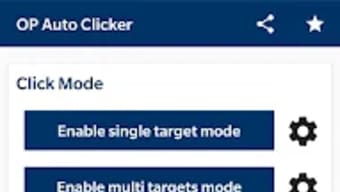
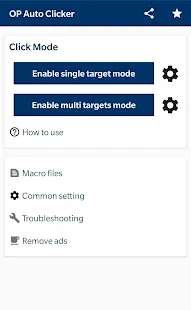
It supports two primary modes: one where the cursor clicks at a fixed coordinate, and another where it clicks at the current cursor position when the tool is activated. Users can define the click interval, specify the mouse button (left, right, or middle), and choose between single or double-click actions. A hotkey feature allows for quick initiation and termination of the automation process, enhancing usability during gameplay or repetitive tasks.
The developer did not provide additional system requirements or detailed information about supported device models. The app is available as an APK file, indicating it is distributed outside official app stores. Real-world usage scenarios include gaming automation, software testing, and repetitive data processing. While the app is marketed as secure and free of ads, no third-party verification or performance benchmarks were provided.
Key Features & Capabilities
- Automated Clicking – Simulates mouse clicks at user-defined intervals, allowing for continuous or limited click cycles based on preset conditions.
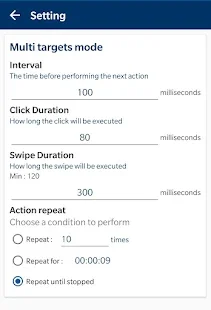
- Custom Click Interval – Users can set delays between clicks in milliseconds, ideal for precision tasks like clicker games or software testing.
- Multiple Click Types – Supports single clicks, double clicks, and selection of left, right, or middle mouse buttons.
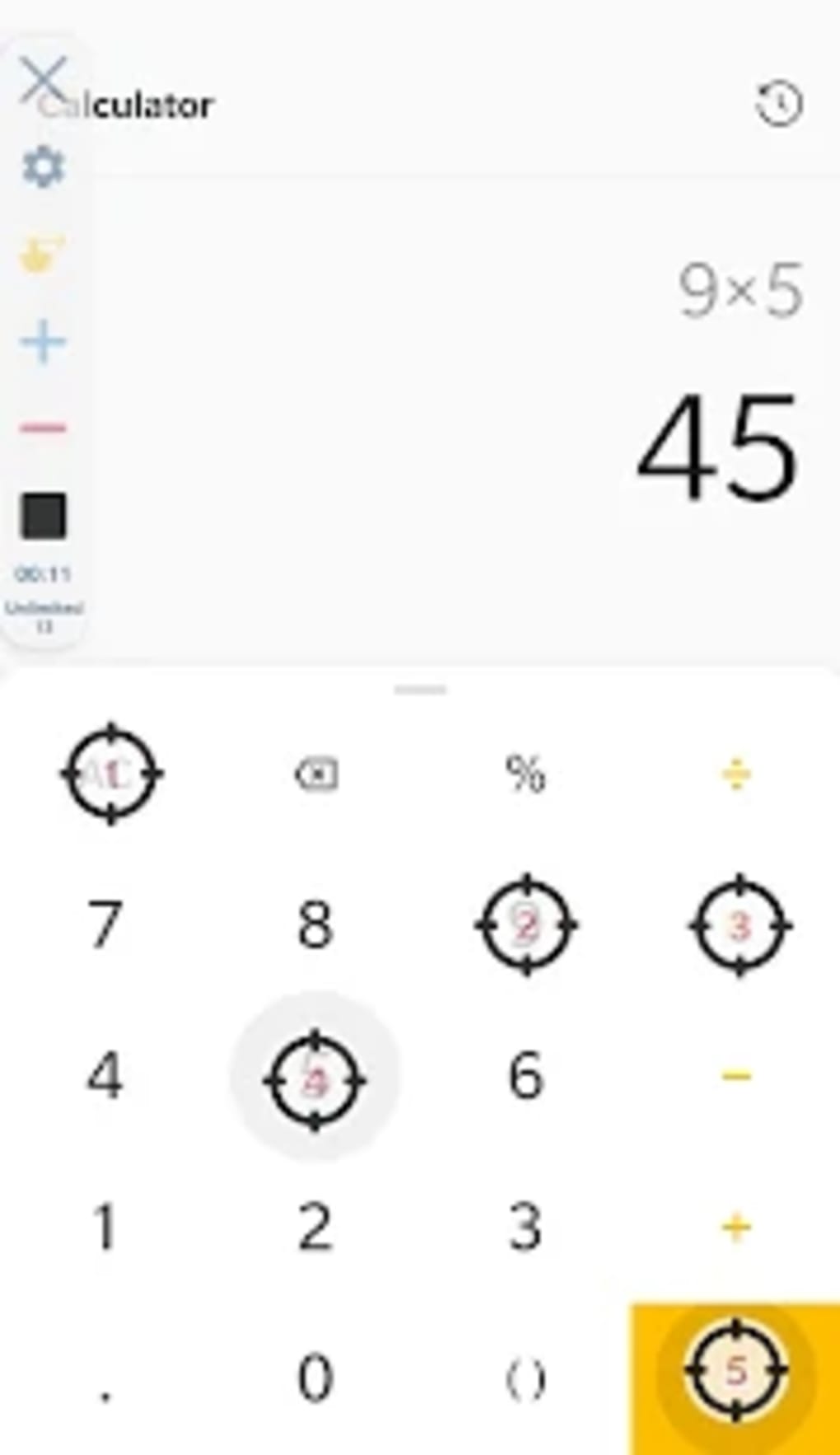
- Dynamic Cursor Positioning – Offers the option to click at the current cursor location or at user-defined X and Y coordinates.
- Hotkey Activation – Enables quick start and stop of automation using a predefined keyboard shortcut.
- Record and Playback – Records a sequence of mouse actions and replays them, useful for repeating complex workflows.
These features make OP AutoCliker suitable for users who need to automate repetitive mouse interactions. For example, in clicker games, users can set a consistent click rate to maintain performance without fatigue. In software testing, the tool can simulate user interactions to verify interface behavior. Data entry professionals may use it to repeat form submissions or navigation steps. The record and playback function adds flexibility for tasks that require more than simple clicking.
User Interface, Workflow & Performance
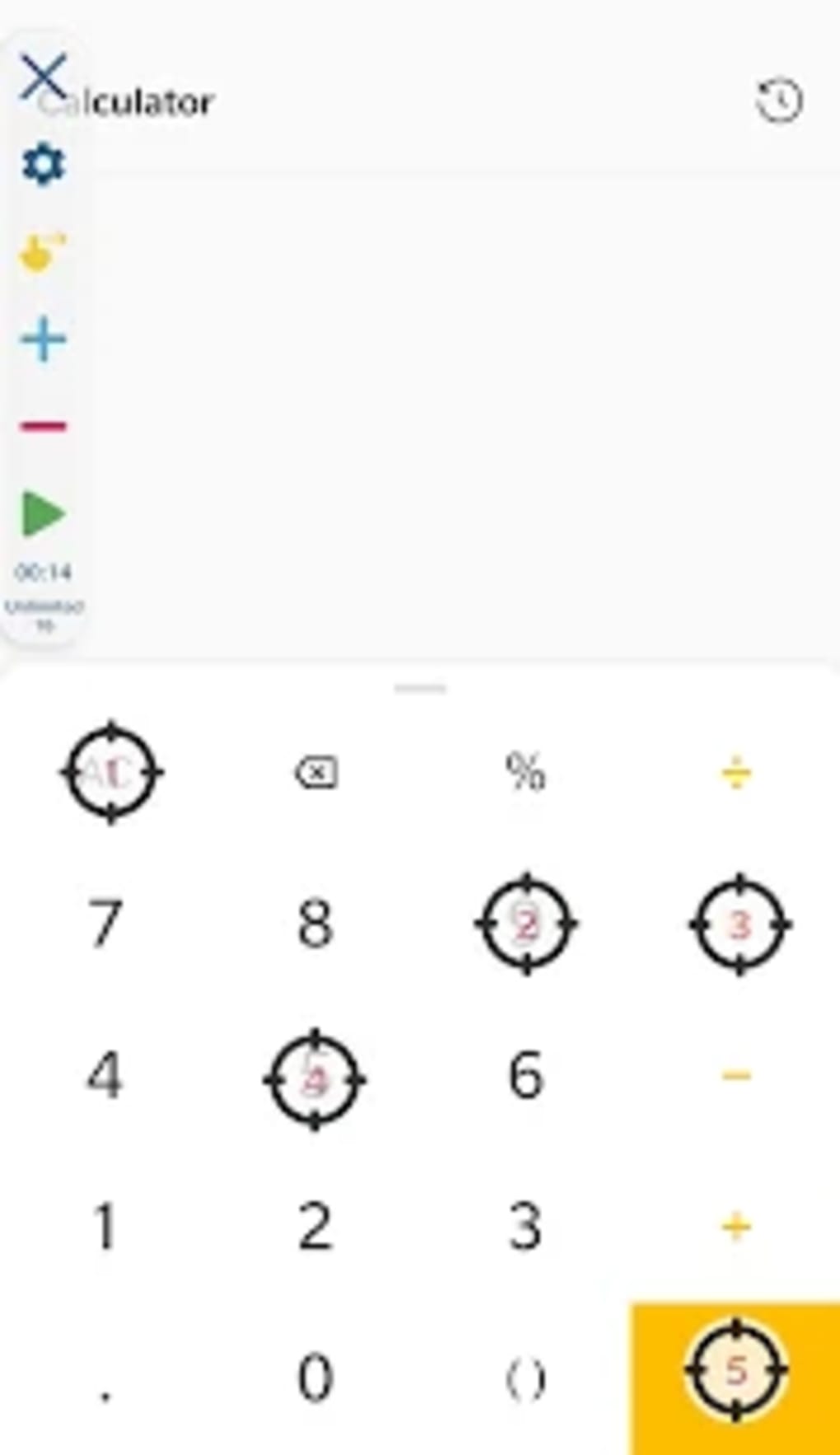
OP AutoCliker features a simple, minimalistic interface focused on core automation functions. The layout is straightforward, with labeled controls for click interval, button selection, click type, and cursor position settings. Navigation is direct, requiring minimal steps to configure and start automation.
Workflow efficiency is enhanced by the hotkey feature, allowing users to initiate or halt operations without returning to the app window. The record and playback function further streamlines repetitive task execution. However, the developer did not specify resource usage details, such as CPU or RAM consumption. Performance observations are based on general software behavior patterns for lightweight Android utilities.
Stability during extended use was not verified. No information was provided about crash rates, background behavior, or battery impact. Users should monitor device performance when running the app for long durations. The app is described as lightweight, suggesting low system resource demands, but exact performance metrics were not disclosed.
Compatibility & System Requirements
OP AutoCliker is designed for Android devices and distributed as an APK file. The supported operating system version was not specified. Installation size information is also not available. The developer did not provide exact system requirements or hardware specifications.
Compatibility information is limited to the platform type: Android. No details were provided about device architecture, screen resolution, or minimum processor speed. The absence of official store distribution suggests it may not be compatible with all Android versions or security configurations. Users should ensure their device allows installation from unknown sources to use the APK.
Pros and Cons
Pros
- Free to download and use without ads
- Lightweight design with minimal system impact
- Supports hotkey activation for quick control
- Offers both fixed and dynamic cursor click modes
- Includes record and playback functionality
- Simple, intuitive interface for quick setup
Cons
- No official app store distribution
- Exact system requirements not specified
- Performance and stability details were not provided
- APK installation may raise security concerns for some users
- Limited customization options beyond core automation
FAQ Section
Is OP AutoCliker safe to download and use?
The app is described as secure and free of malware, but no third-party verification or scanning results were provided. Users should only download APK files from trusted sources and ensure their device allows installations from unknown sources.
Can I use OP AutoCliker on older Android devices?
While the app is described as lightweight, no specific hardware or OS version requirements were listed. Its performance on older devices may vary based on system configuration.
Does OP AutoCliker require an internet connection?
No information was provided about online functionality. Based on its automation purpose, it is likely designed to operate offline.
How do I install OP AutoCliker on my Android device?
Download the APK file, enable "Install unknown apps" in device settings, then open the file to begin installation. Ensure the source is trusted.
Is there a license or subscription fee for using OP AutoCliker?
Yes, the app is free to use without any subscription or in-app purchase requirements. The developer did not mention a license type, but it is available for unlimited use.
Final Thoughts
OP AutoCliker presents a straightforward, no-cost solution for automating mouse clicks on Android devices. Its core functionality—repetitive clicking with customizable intervals, button selection, and hotkey control—serves well for gamers, testers, and data entry users. The inclusion of record and playback adds versatility for complex workflows. Despite limited documentation and no official app store presence, the app’s lightweight nature and ad-free experience are strong advantages.
While performance, stability, and system compatibility details are not publicly available, the app appears suitable for basic automation needs. Users seeking a simple, free tool for click automation should consider OP AutoCliker. For those requiring advanced scripting or cross-platform support, additional options may be necessary.
Download OP AutoCliker now
Guides & Tutorials for OP AutoCliker APK
How to install OP AutoCliker APK
- Click the Preview / Download button above.
- Once redirected, accept the terms and click Install.
- Wait for the OP AutoCliker APK download to finish on your device.
How to use OP AutoCliker APK
This software is primarily used for its core features described above. Open the app after installation to explore its capabilities.
User Reviews for OP AutoCliker APK 0
No reviews found





